
Guides
How to Make a Highlight Video on iPhone (Free and AI Options)
How to film, trim and export a sports highlight video on your iPhone: with the Photos app, iMovie or an AI app that follows one player.

ON10
Quick answer
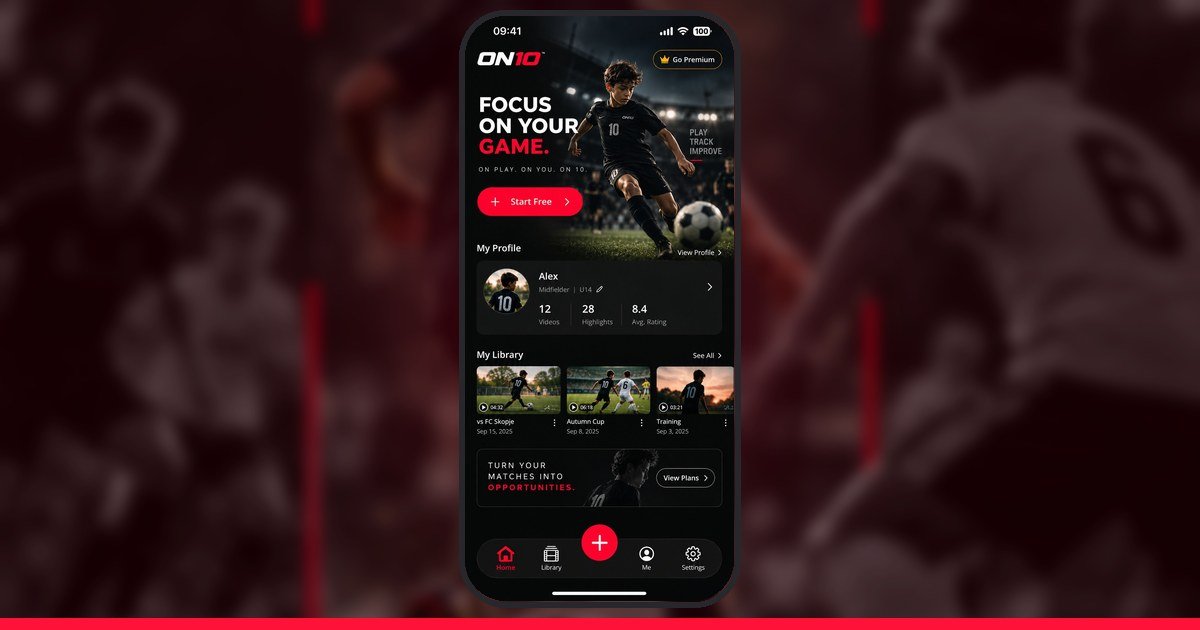
ON10 is an AI sports highlight app for players and parents. You film a game, open the video in the app and tap yourself once. ON10’s AI finds you, follows you through the whole video, and clips your best moments into a highlight you can export and share. It is coming soon to iPhone and Android.
There are three steps, and none of them needs editing skills.
ON10 is for players who want highlights of themselves, and for parents who film games from the sideline. It is also useful for coaches who want a quick clip of one player to share. A video editor usually charges for this work, and doing it by hand takes hours. ON10 is built to take minutes. Many players use highlights to get noticed by college coaches, and our college recruiting guide shows how. If you want to compare the options, read our guide to how much a highlight video costs.
ON10 works with team sports where the player can be seen in the video. Right now that means football (soccer), American football, basketball, ice hockey, rugby, volleyball, handball, lacrosse, futsal, field hockey, netball, Gaelic football, hurling and Australian football (AFL). It is not built for one sport. The clearer you can see the player, the better the AI can follow them. Our tips on how to film a youth sports game help with that.
No. ON10’s AI runs on your phone, so your footage stays with you. That matters most for parents of young players, and we cover more in our privacy checklist for kids’ game videos.
ON10 is launching soon, on iPhone first and Android next. The best way to hear about it is the waitlist. When you join, you get a personal link. Every friend who joins with your link moves you up the list, and early access goes out in list order.
ON10 is free to start. You can try it on your own game video before deciding if you want more.
No. The AI finds the moments where you are in the action and clips them. You choose which clips to keep.
Yes. Film the game from the sideline, tap your child once, and ON10 makes their highlights. Keep in mind that most social apps require users to be at least 13, so a parent should manage any account and sharing.
Guides
How to film, trim and export a sports highlight video on your iPhone: with the Photos app, iMovie or an AI app that follows one player.
Guides
A fair comparison of apps and tools for making sports highlight videos: editors like CapCut and iMovie, AI tools, and camera systems like Veo and Trace.
Guides
ON10 vs Veo vs CapCut vs tagging it yourself: what each costs for a season of highlight videos, who each suits and how to choose.