Guides
How to Make a Highlight Video on iPhone (Free and AI Options)
How to film, trim and export a sports highlight video on your iPhone: with the Photos app, iMovie or an AI app that follows one player.

THE ON10 BLOG
Practical guides for players and parents: how to film a game, make a highlight video, and how AI player tracking works.
Guides
How to film, trim and export a sports highlight video on your iPhone: with the Photos app, iMovie or an AI app that follows one player.
Guides
A fair comparison of apps and tools for making sports highlight videos: editors like CapCut and iMovie, AI tools, and camera systems like Veo and Trace.
Guides
ON10 vs Veo vs CapCut vs tagging it yourself: what each costs for a season of highlight videos, who each suits and how to choose.
Guides
How to make a sports highlight video of one player in any sport: edit it yourself, hire an editor, or use AI player tracking. Steps and tips.
Recruiting
How to email a college coach: a good subject line, what to include, a sample first email, a follow-up template and mistakes to avoid.
Recruiting
What to put in an athletic resume for college coaches, how long it should be, and a simple sports resume template you can copy for any sport.
Recruiting
A simple seven-step plan to get recruited for college sports in any sport: know your level, keep eligible, build a profile and video, and contact coaches.
Recruiting
How to make a recruiting highlight video: what college coaches look for, how long it should be, what to include and cut, and a final checklist.
Recruiting
A college recruiting guide for any sport: how recruiting works, NCAA, NAIA and junior college levels, a timeline by year, and how to get noticed.
ON10
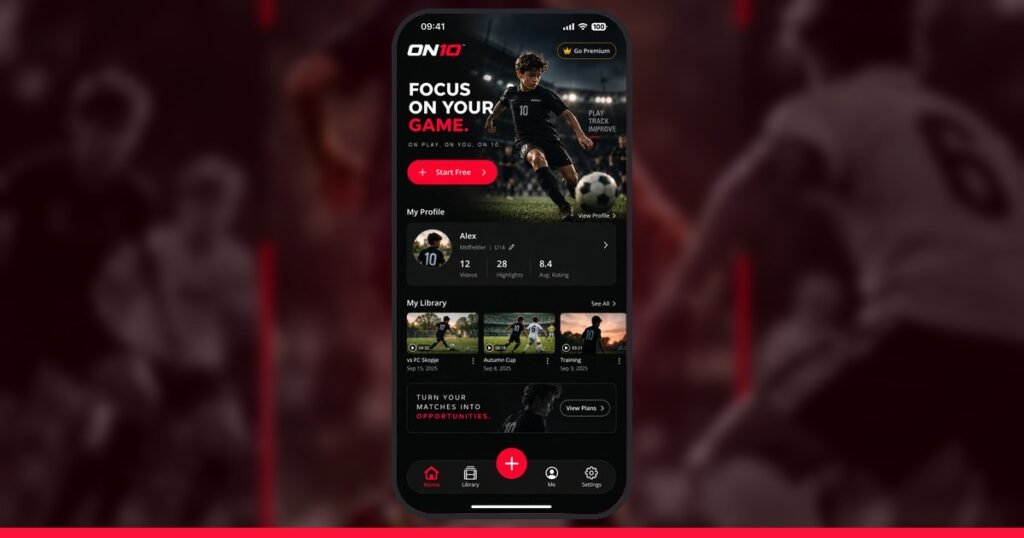
ON10 is an AI sports highlight app for iPhone and Android, for team sports. Tap yourself once and the AI follows you and clips your best moments.